





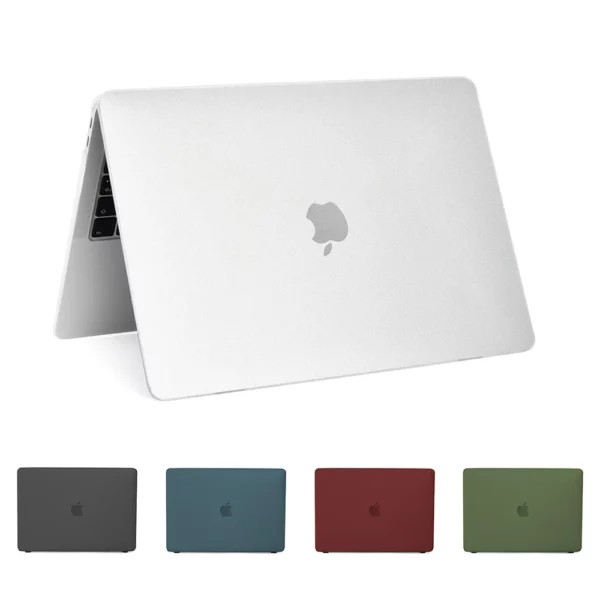
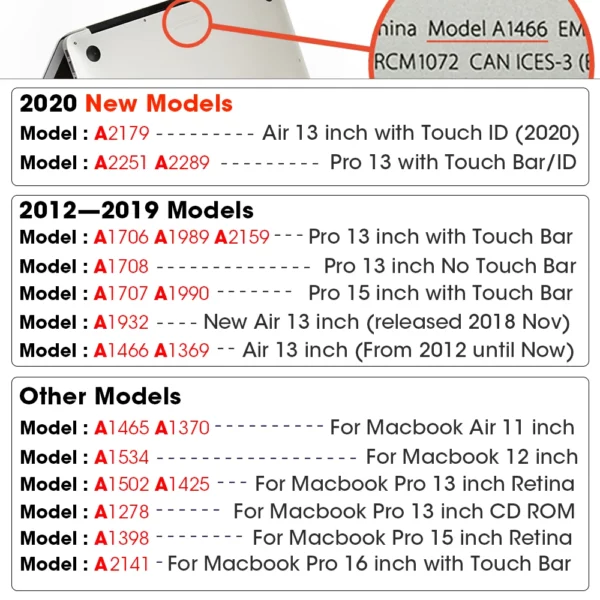

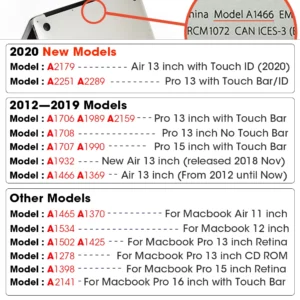
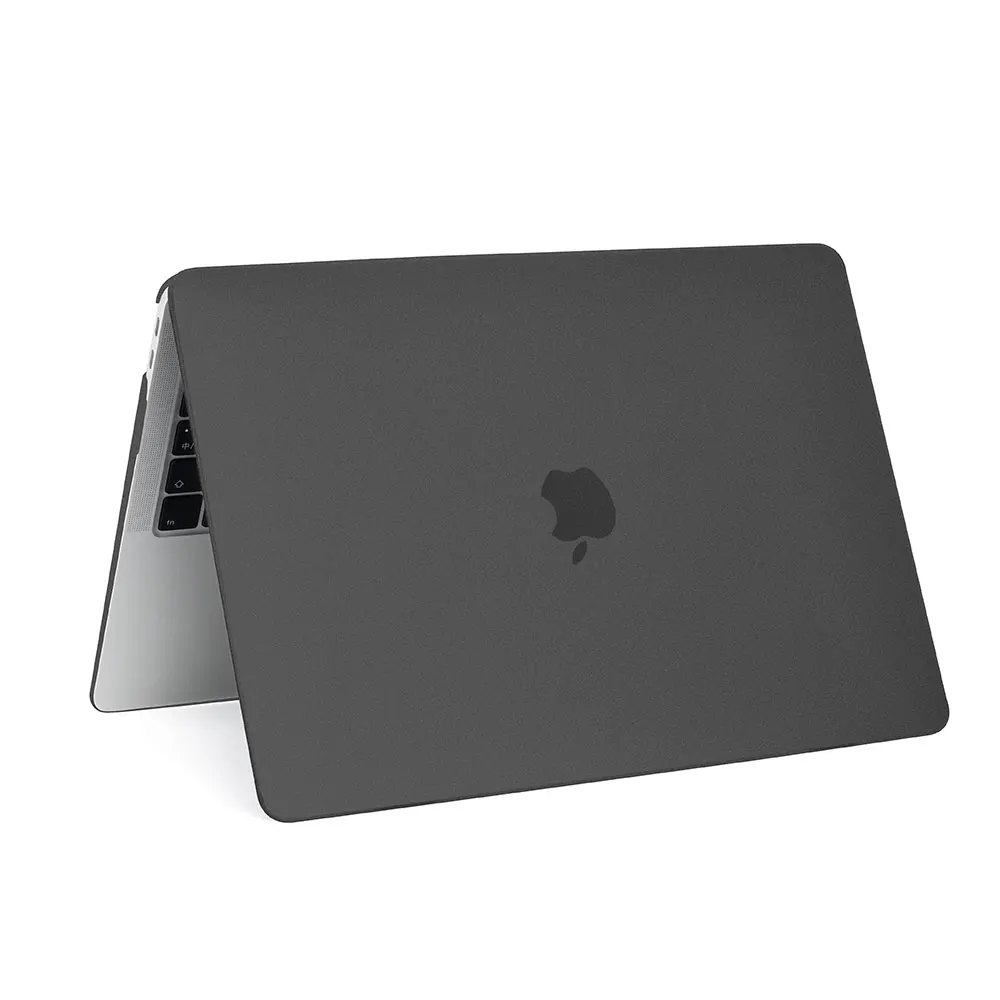
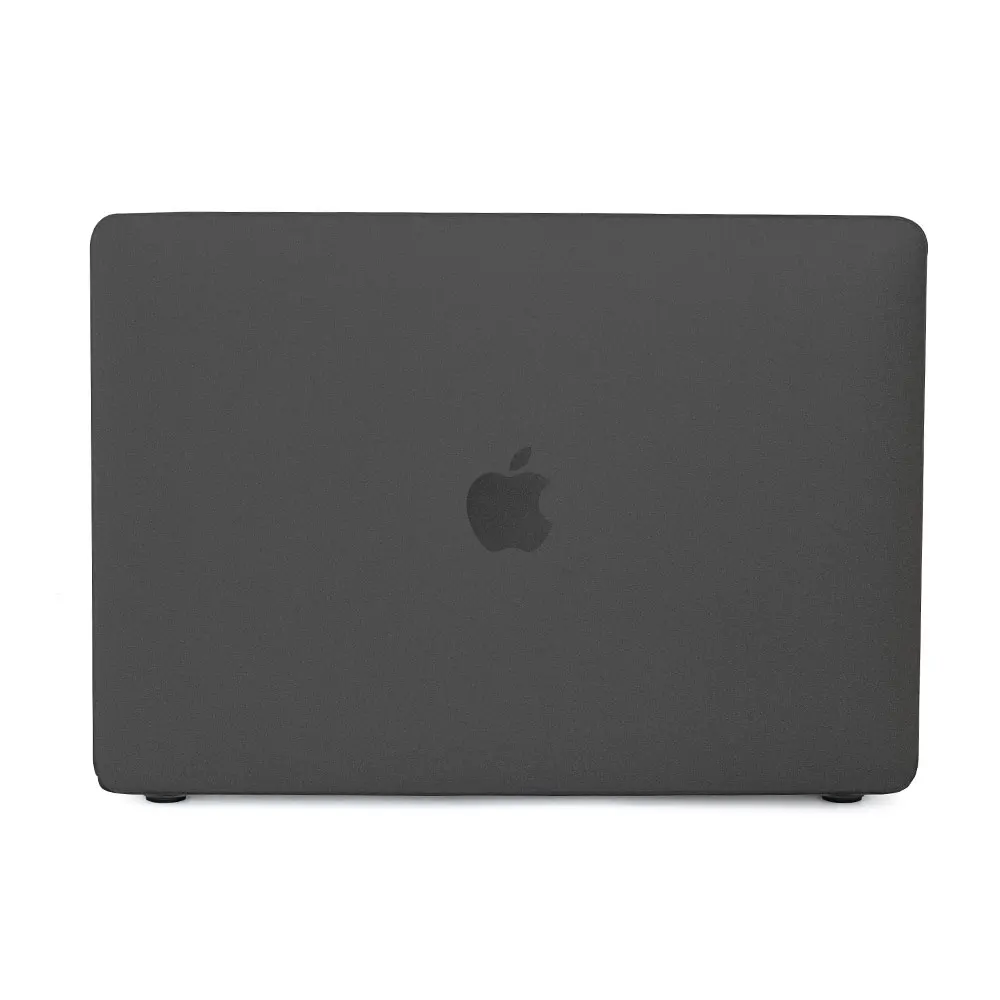
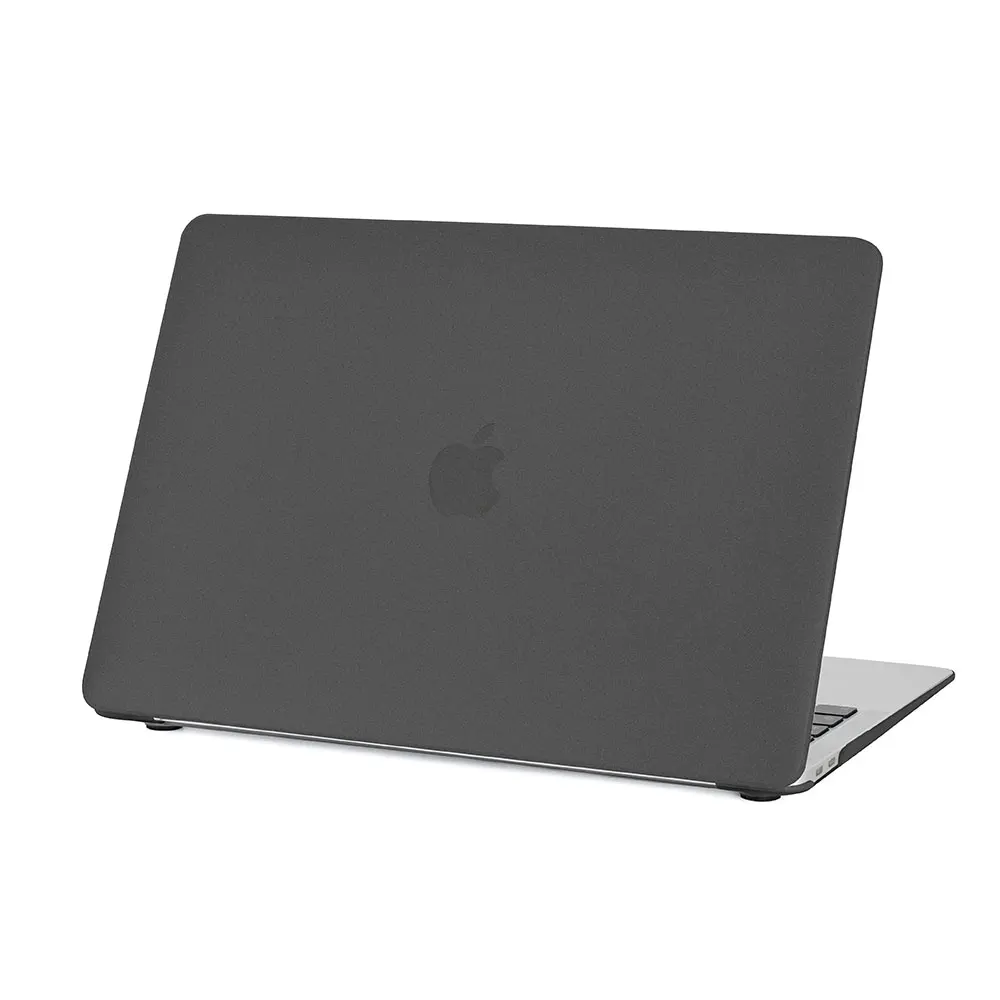
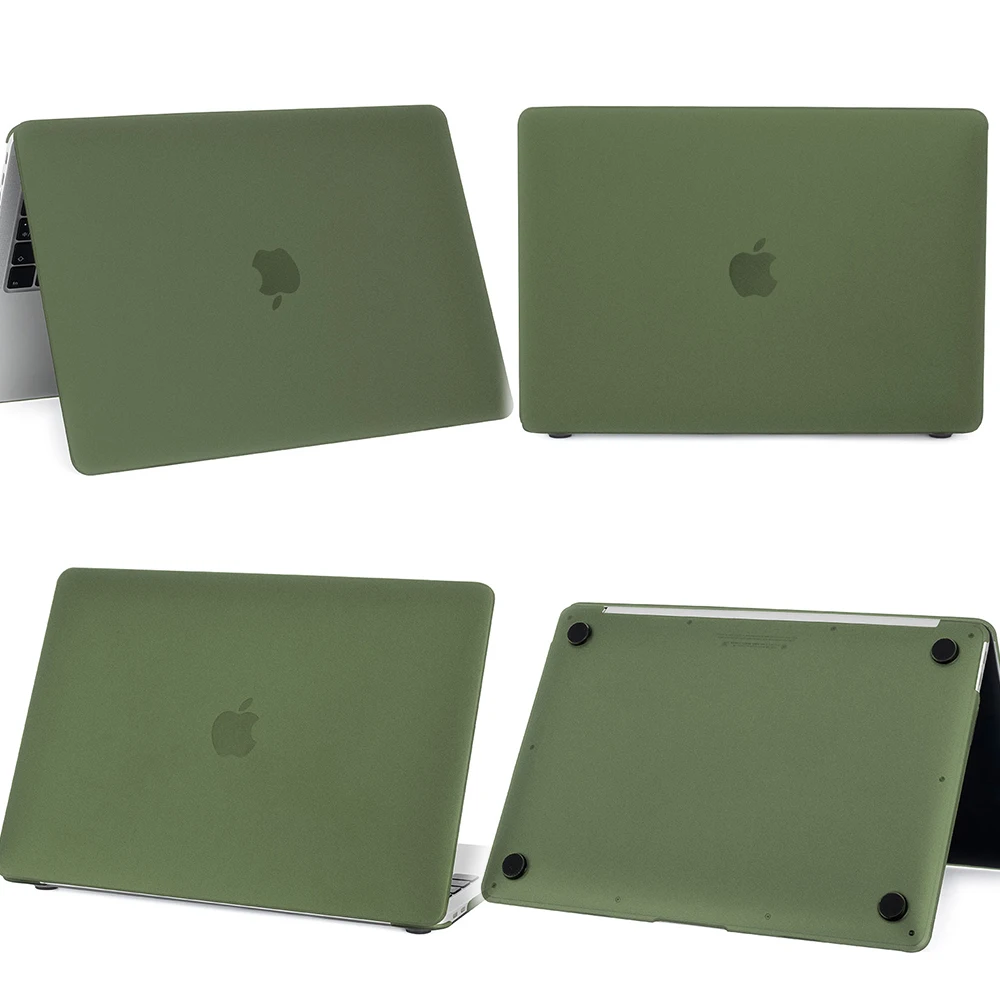
Foggy Laptop Case For Macbook Air 13 A2337 A1466 For Mac M1 Chip Pro 13.3 A2338 For Macbook Pro 14 16 Matte Protective Cover
UGX 16,000
Overview
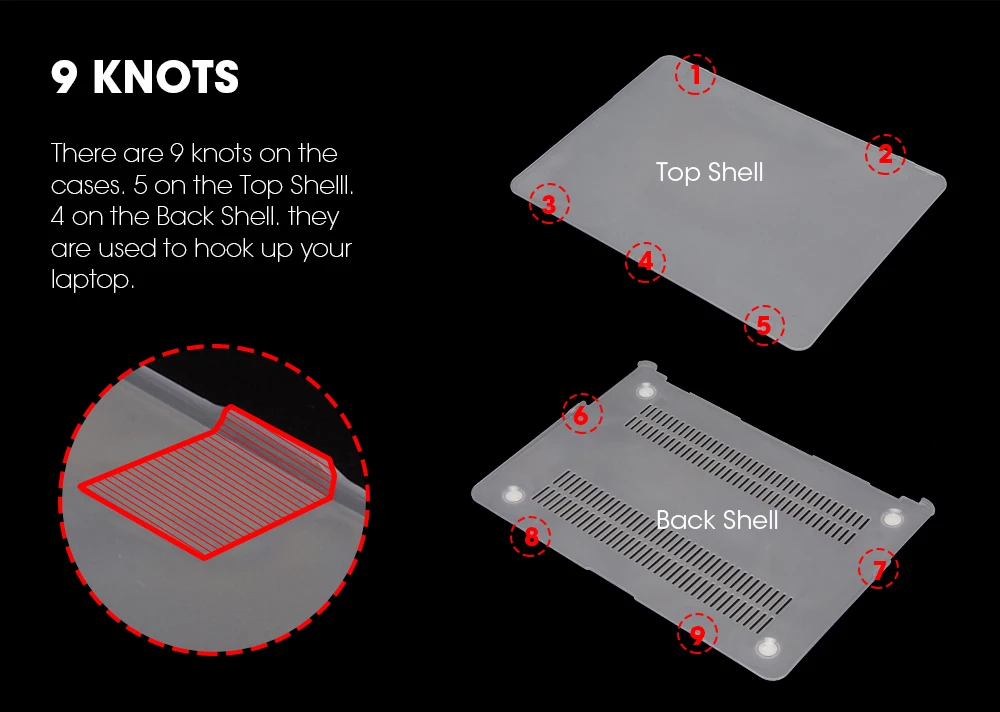
9 Knots
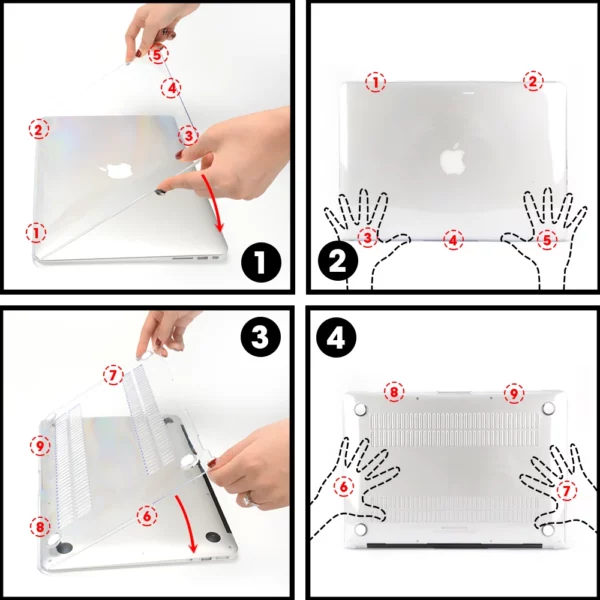
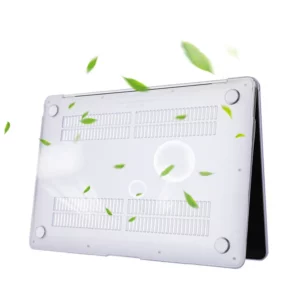
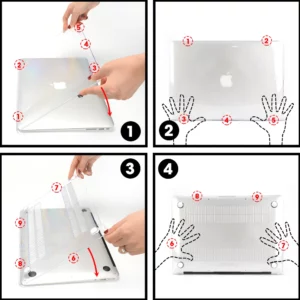
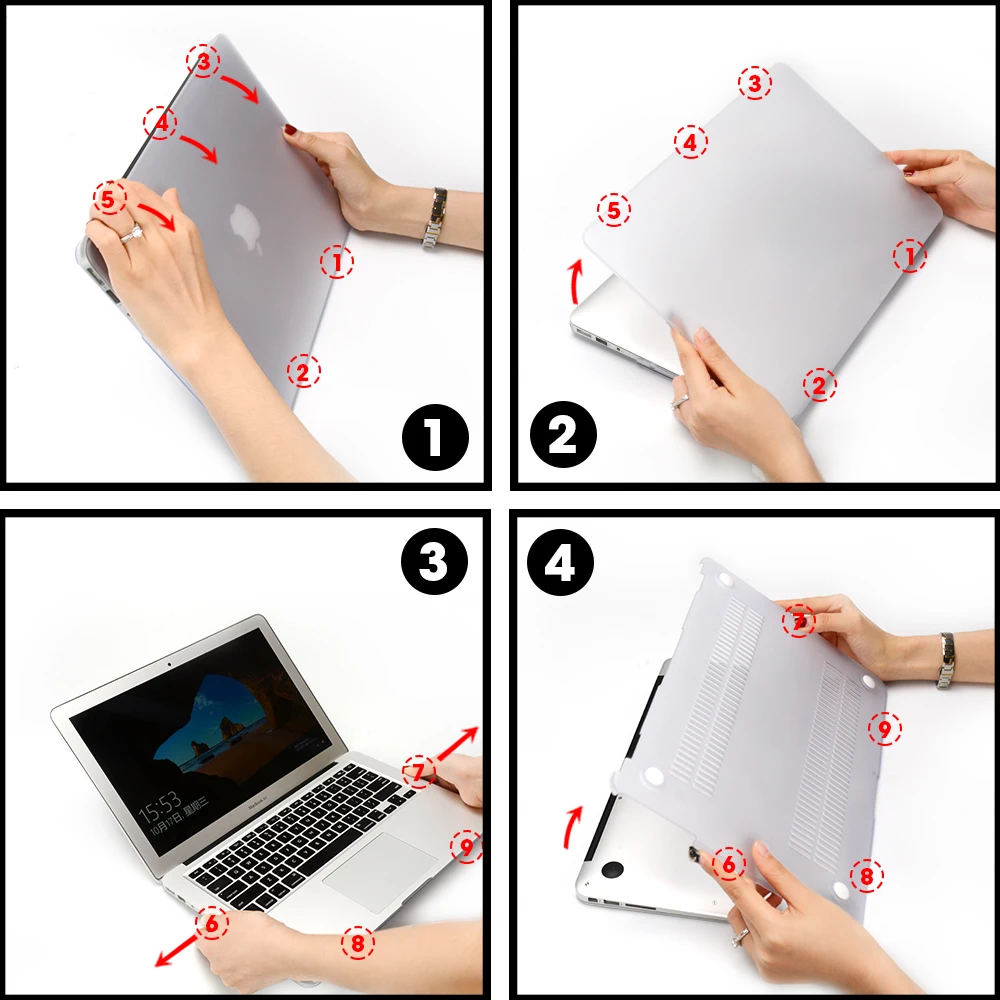
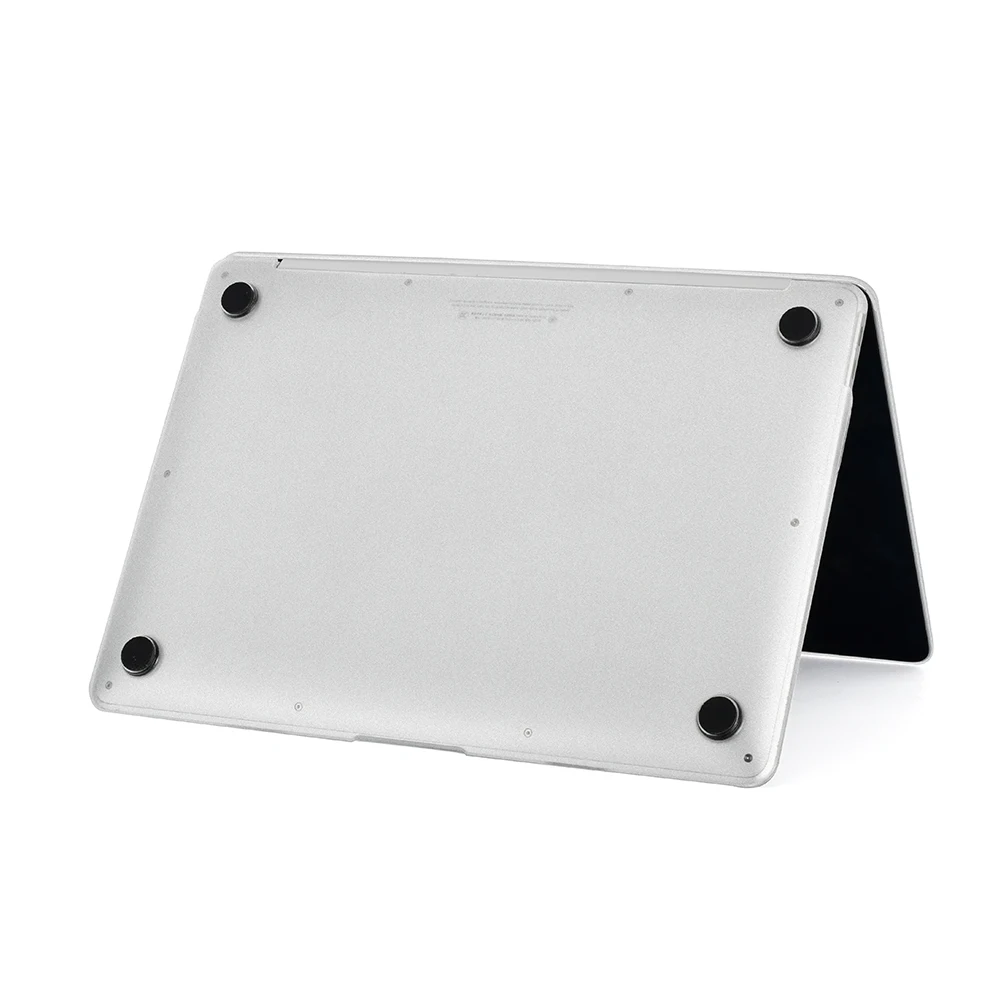
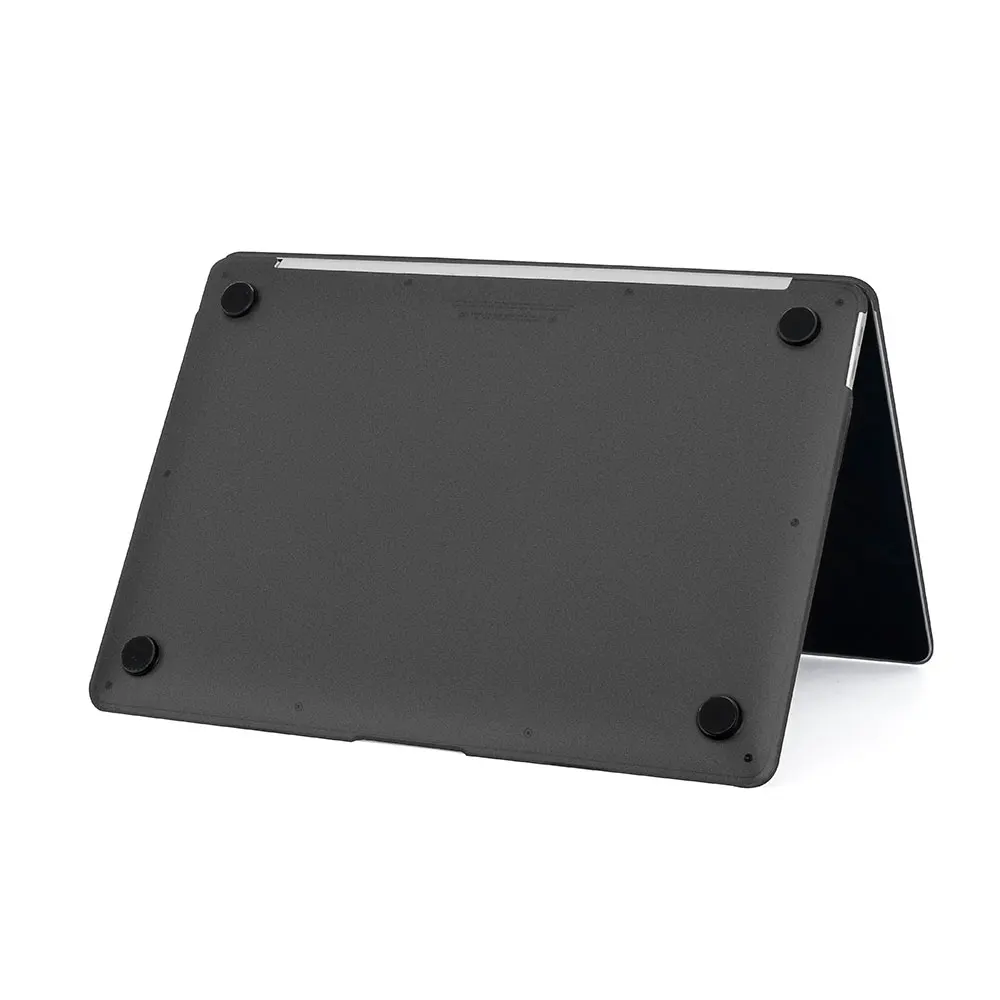
There are 9 Knots on the case, 5 knots on the Top Protective Shell and 4 knots on the Back Protective Shell. They are used to hold up the laptop. To easily install the both Protective shells you can follow the next 4 steps.
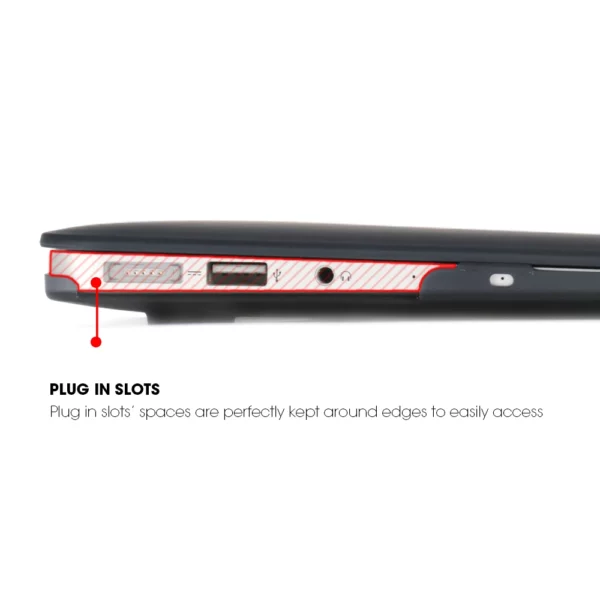
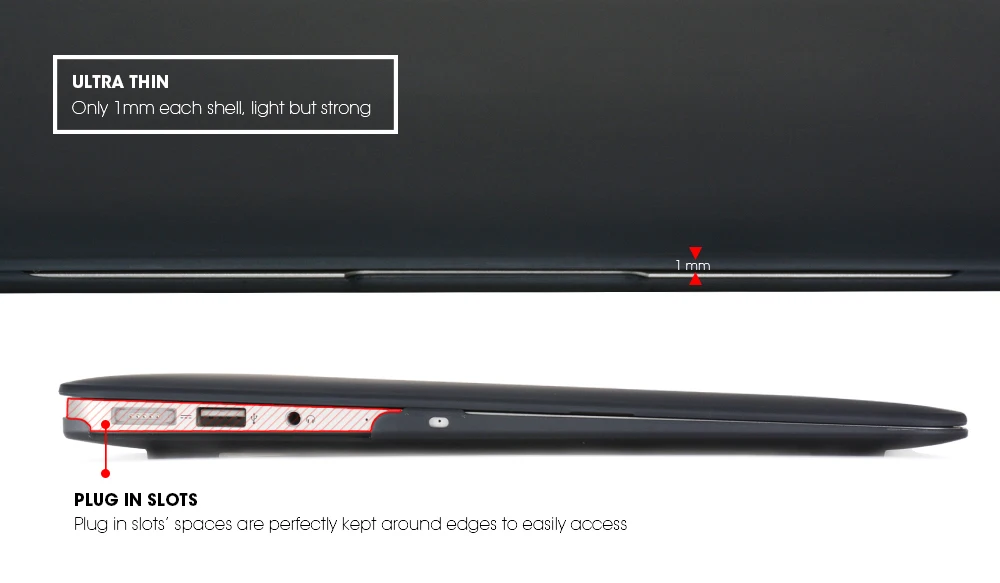
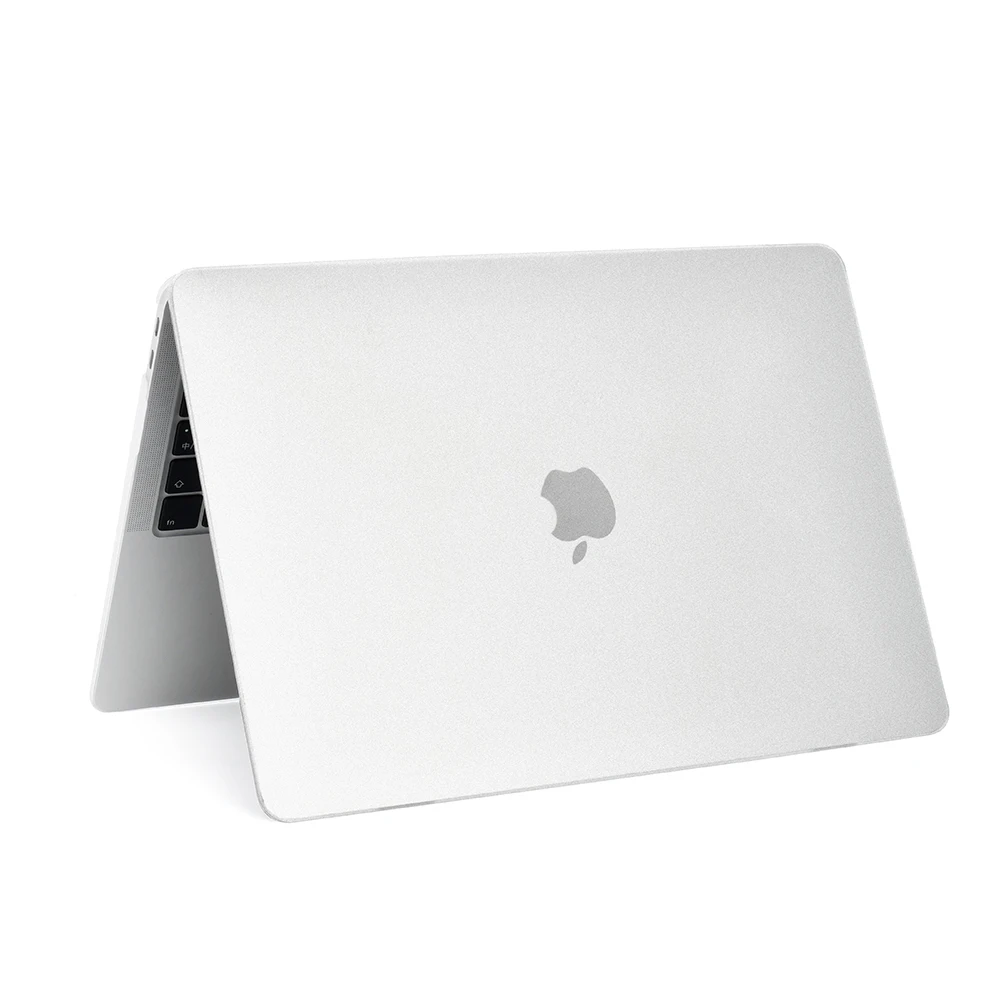
Ultra thin / Plug in slots
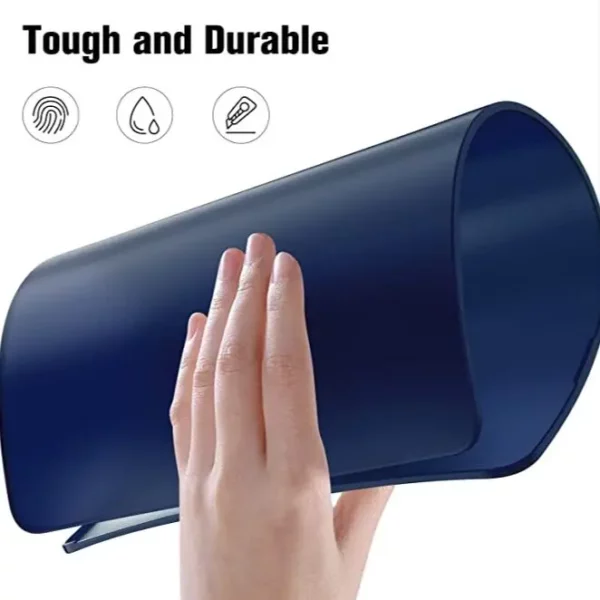
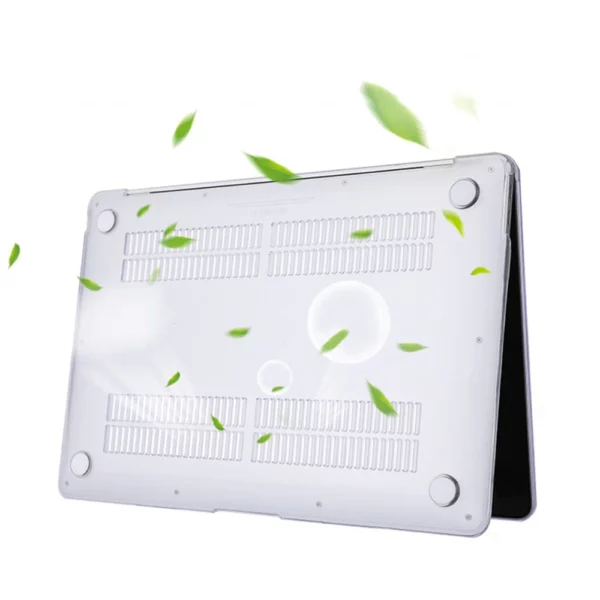
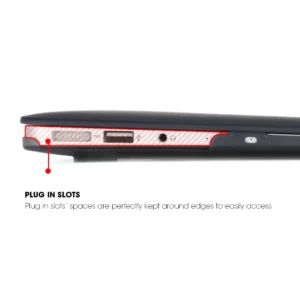
Only 1mm thin each hard shell, but strongly protect your laptop / The hard shell cases have prefect plug in slots spaces for you to easily plug in all you accessories.
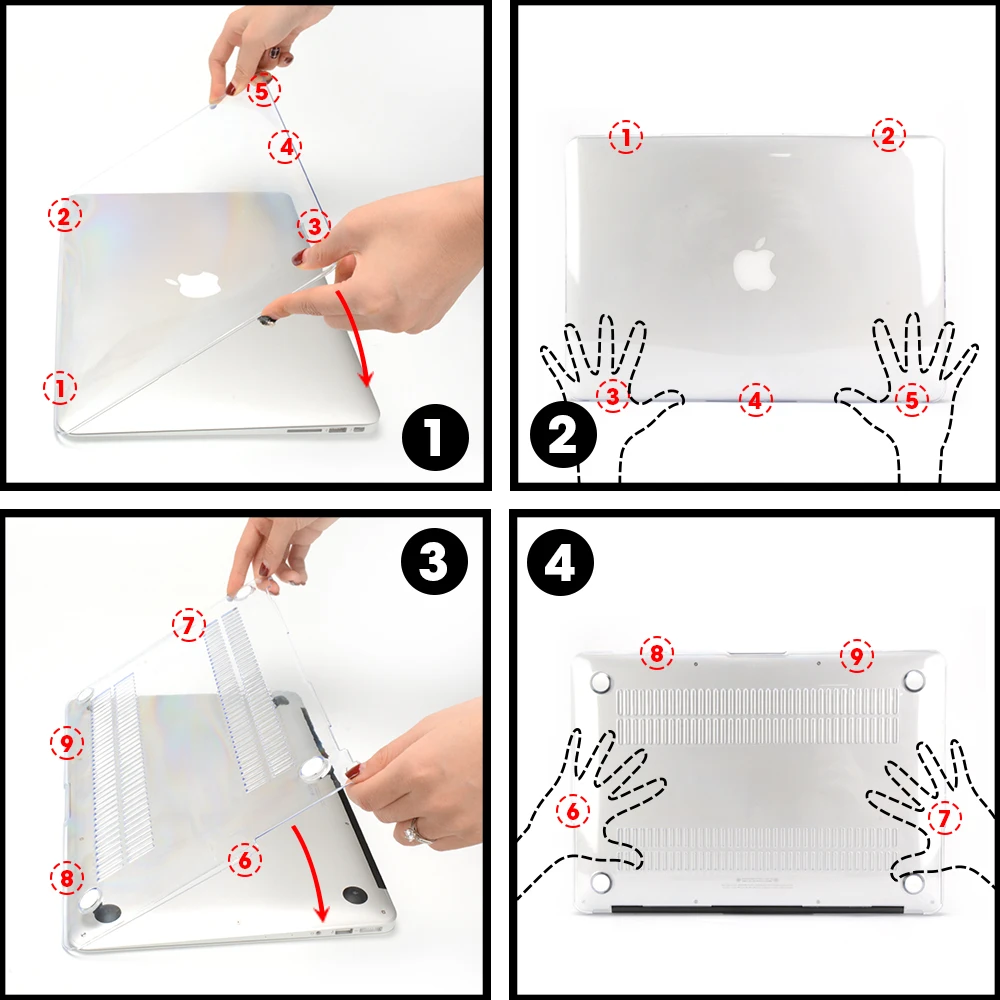
4 Steps to install the case
Top Shell Installation
01: First to hook up the side with knots NO1 and NO2 to the open side !!!!!!!!!
(check the power light direction), secondly put down the side with knots NO3, 4, 5.
02: Use your hand to push down the Knots NO3, NO4 and NO5 one by one, if you did it correctly, you will hear the sound three times.
Back Shell Installation
03: First to hook up the side with knots NO8 and NO9 to the open side. Secondly put down the side with knots NO6 and NO7.
04: Use your hand to push the knots NO6 and NO7. If you did it correctly you can also hear the sound twice.
4 Steps to take off the case
Top Shell Removal
01: First to remove the knots NO5, NO4, NO3, you need to buckle down to take off these three knots.
02: When Knots NO5, NO4, NO3 were unhooked up from laptop, you can easily remove the case.
Back Shell Removal
03: First to remove the knots NO6, NO7, you need to buckle down to take off these two knots.
04: When knots NO6, NO7 were unhook up from laptop, you can easily take off the case.



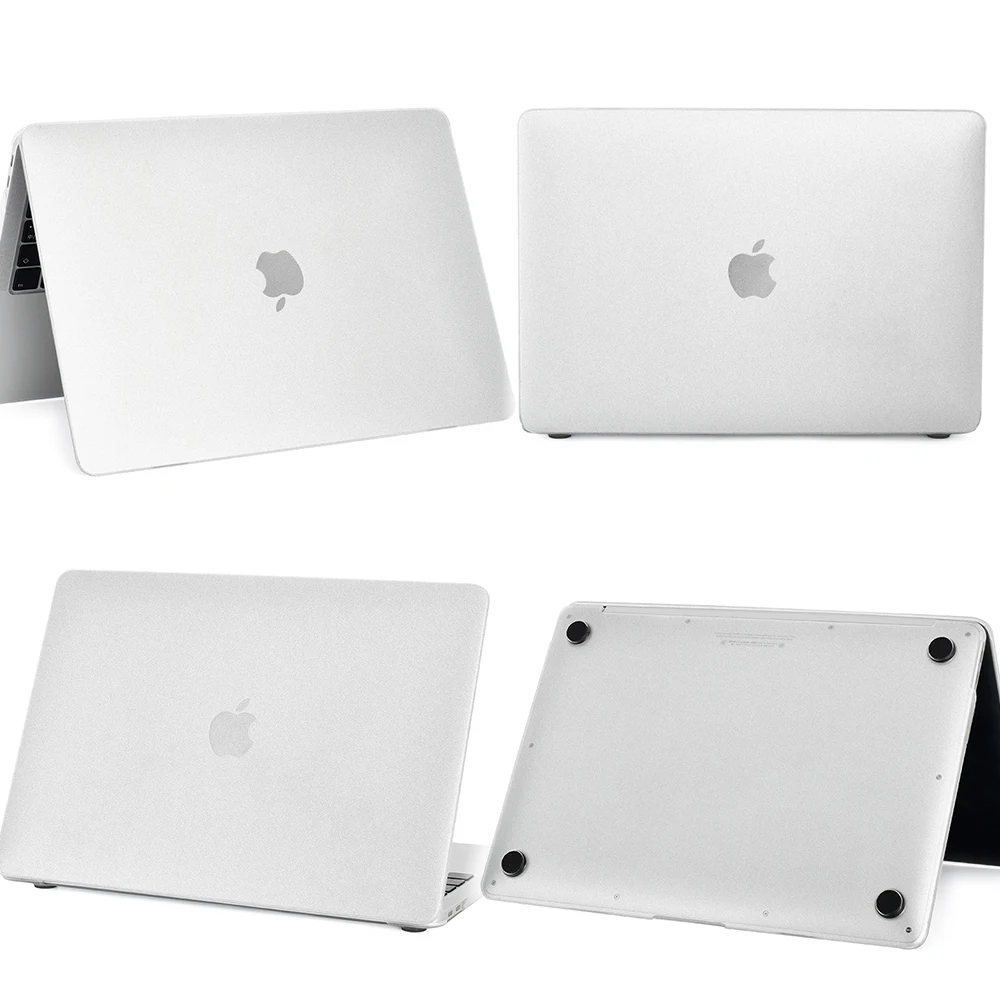
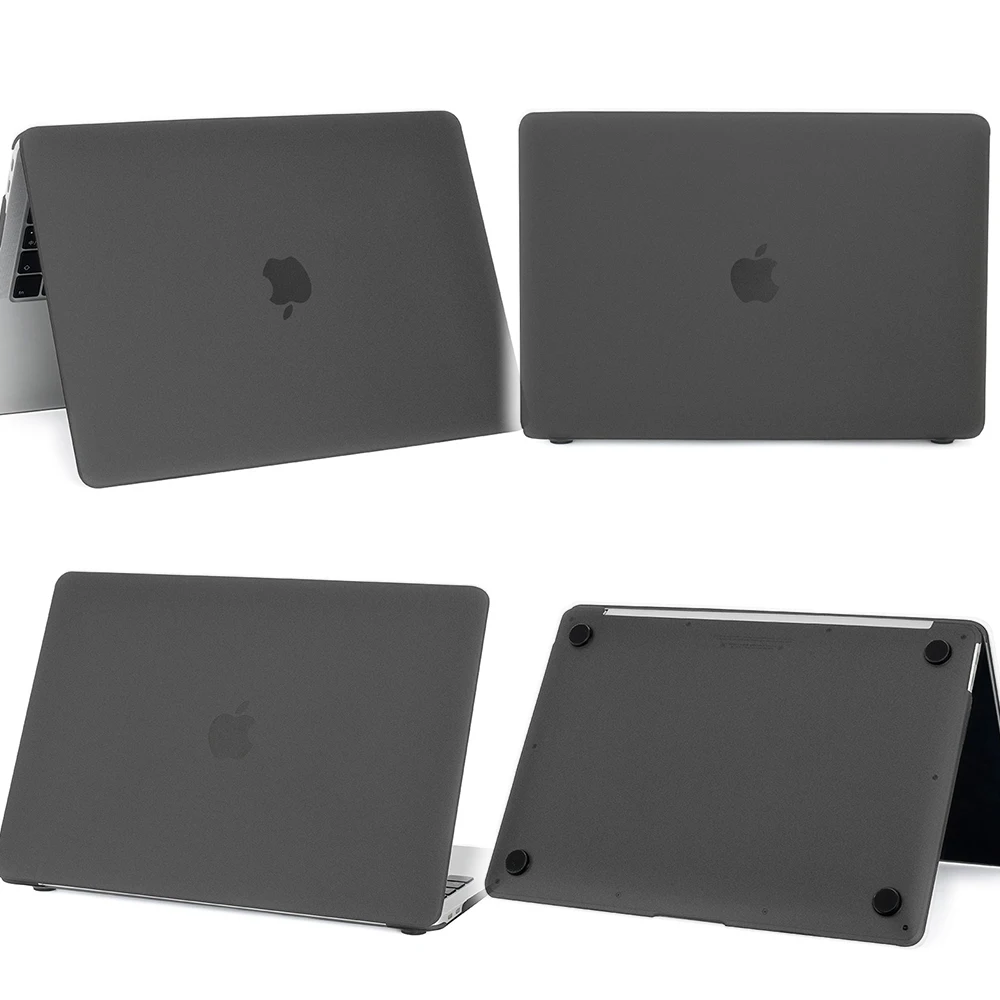
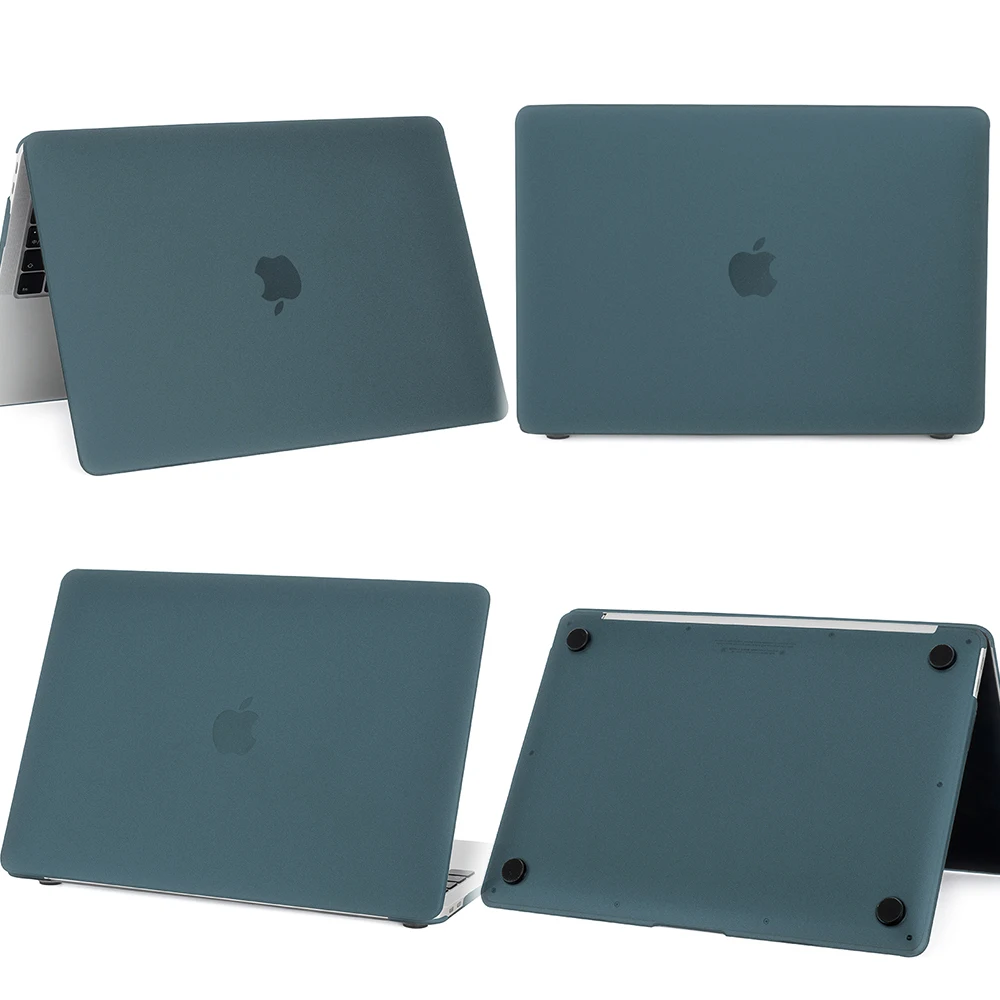
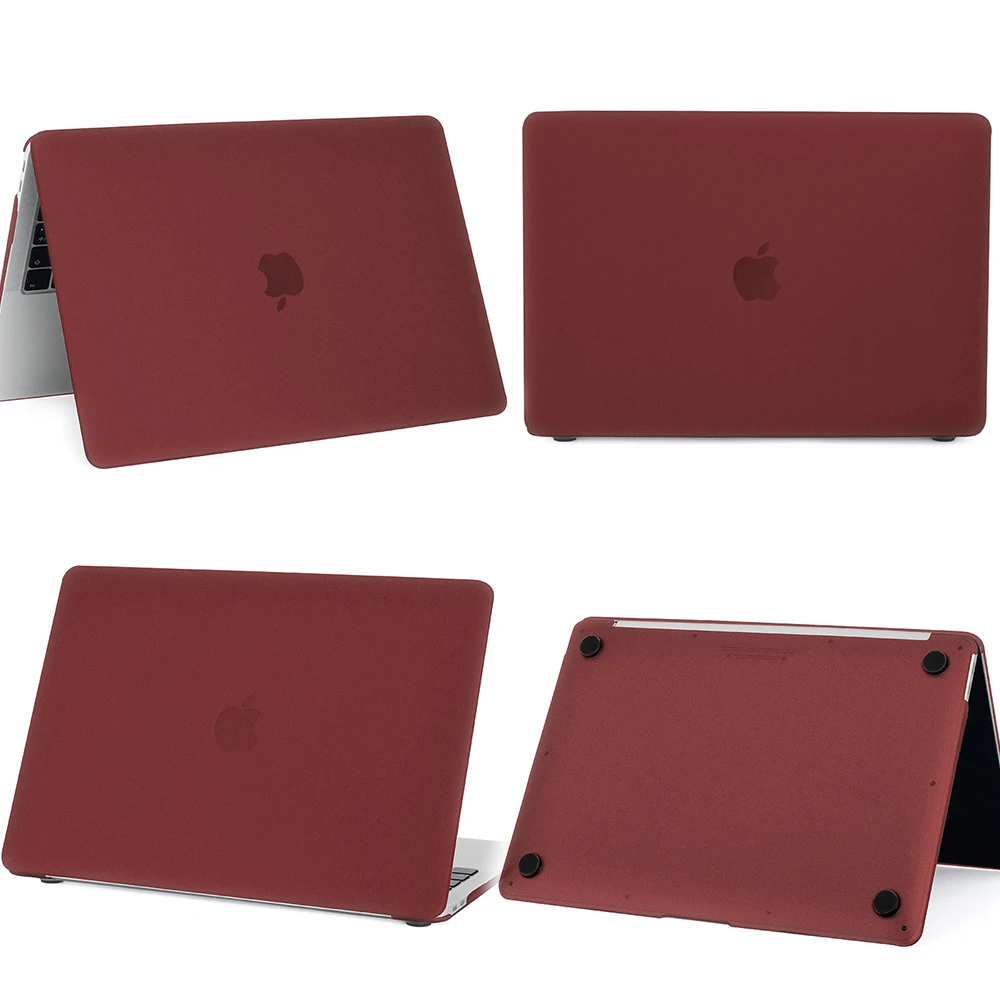
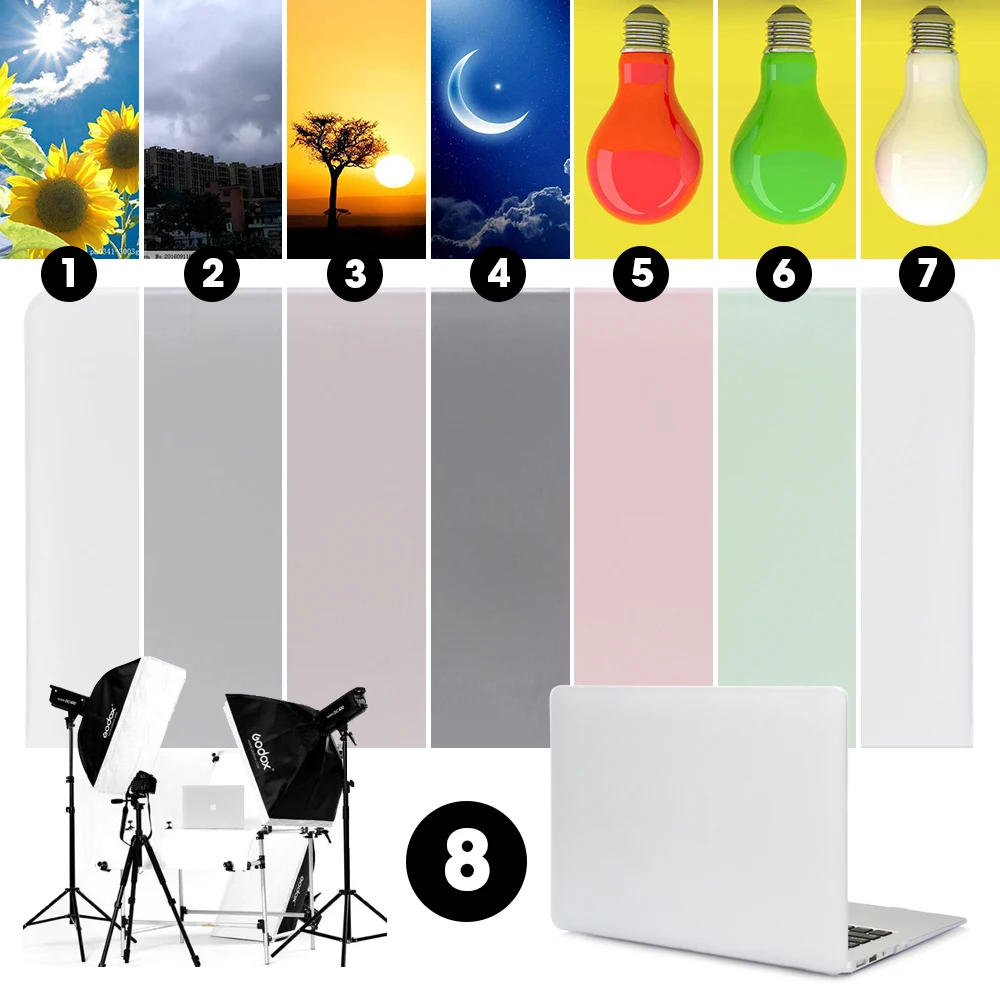
COLORS VS ENVIROMENT
The colors of laptop protective cases will change in different circumstances. The environment colors and light colors will affect the color change. The examples show on the picture below—-
01: Day Light environment /
02: Rainy environment /
03:Sunset environment /
04: Night environment /
05: Red light source /
06: Green light source /
07: White light source /
08: Studio.
Due to the color change caused by the environment, we are looking for a way to show the true color of our products to give our customers the best shopping experiences.
At last we decide to use the professional photo studio(8)to take the pictures to show the product colors as much close as our eyes generally recognized.
Suggestion: Day light and white light environment will provide best experience in reading the colors.


Reviews
There are no reviews yet.